

Back
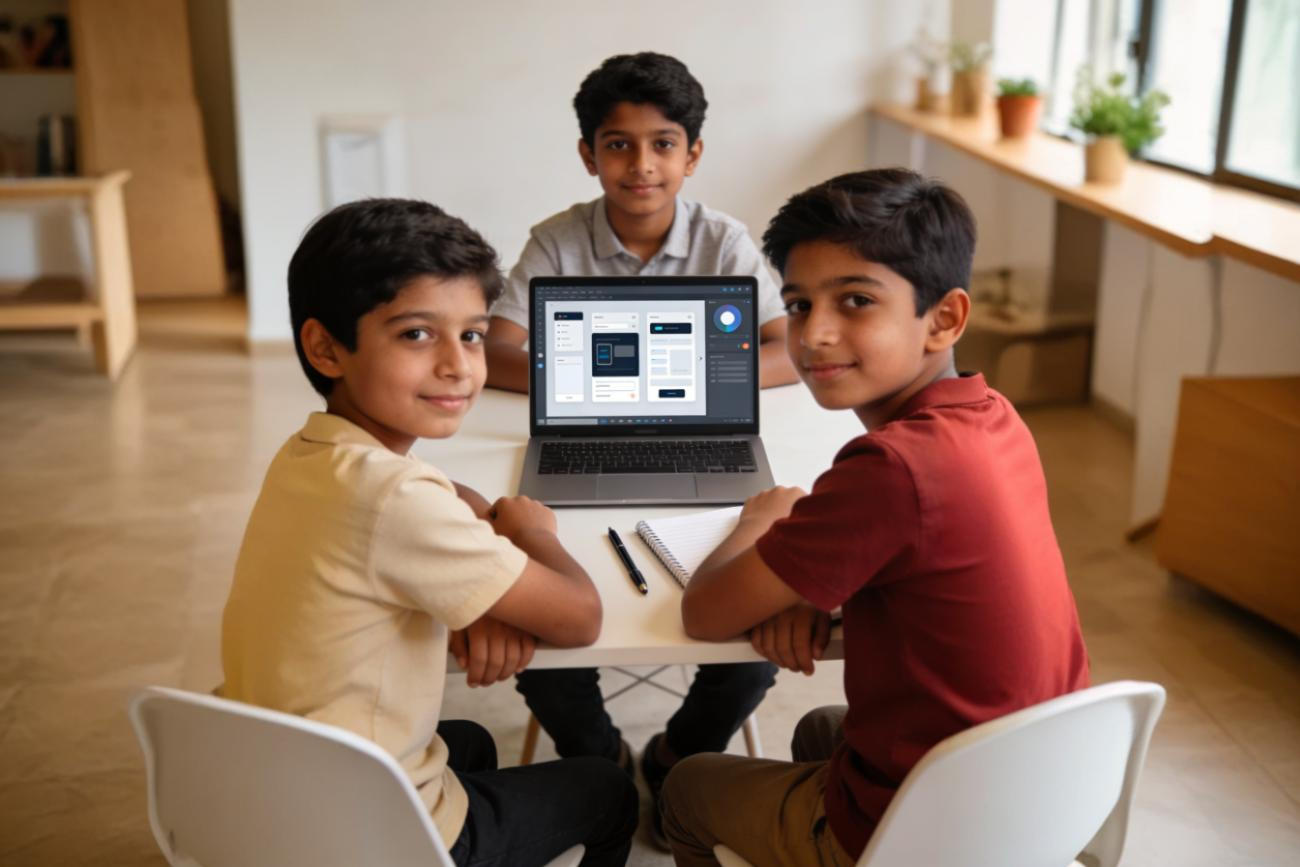
UI UX Design - Beginners
From Idea to Prototype.
This UI/UX Design workshop introduces students to the world of digital product design. Through research, wireframing, and prototyping, they learn how great apps are built — and design one of their own.
Problem-solving. Creativity. Innovation.
₹9999
including GST
Only few spots left!
Register Now
Available Batches:
April 20 - May 2
May 11 - May 23
May 25 - June 6
12 days end - end hands on experience - Work Shop
Create your design portfolio
Certification
Show case on the last day
Program break down
Design what you wish existed.Learn how users think, sketch wireframes, design beautiful screens, and build interactive prototypes. Turn ideas into real digital experiences—no coding required, just creativity and curiosity.
Day 1
Welcome to the World of Design
- What is UI? What is UX?
- Difference between apps, websites & games
- What makes an app easy or confusing?
- Introduction to Design Thinking
- Fun activity: Redesign your school app idea
Day 2
Understanding Users
- What is a “User”?
- Needs vs Wants
- Basic Maslow idea (simplified)
- What is a problem statement
- Activity: Interview a classmate
- Create a simple user persona
Day 3
How Users Think
- Affordances (what looks clickable?)
- Signifiers (buttons, icons, colors)
- Good vs Bad design examples
- Introduction to empathy map
- Activity: Improve a bad screen
Day 4
Planning the App
- What is a user journey?
- Basic task flow
- How to map screens
- Introduction to Information Architecture (simple)
- Card sorting activity (fun exercise)
Day 5
Wireframing – From Idea to Sketch
- What is a wireframe?
- Low-fidelity design
- Sketching screens on paper
- Navigation basics
- Rapid wireframing challenge
Day 6
From Sketch to Digital
- Introduction to Figma
- Tools: Frame, shape, text
- Creating basic screens
- Simple layout principles
- Convert paper wireframe to digital
Day 7
Visual Design Basics
- Color basics for UI
- Typography basics
- Spacing & alignment
- Mood board creation
- Choosing a color theme
Day 8
Creating UI Screens
- Designing clean app screens
- Buttons, cards, icons
- Consistency in design
- Design complete screens
Day 9
Making it Interactive
- What is a prototype?
- Linking screens in Figma
- Basic interactions
- Testing navigation flow
Day 10
User Testing & Improvement
- What is usability testing?
- Test your app with classmates
- Observe & collect feedback
- Improve your design
Day 11
Final Design Polish
- Improve visual hierarchy
- Fix spacing & alignment
- Add small micro improvements
- Prepare presentation slides
- Write your design story
Day 12
Final Presentation Day
- Present your app idea
- Explain the problem
- Show wireframes & prototype
- Share what you learned
- Certificate & showcase
Design what you wish existed.Learn how users think, sketch wireframes, design beautiful screens, and build interactive prototypes. Turn ideas into real digital experiences—no coding required, just creativity and curiosity.
Register Now
Contact Us
+91 720 770 9444
Infromation

© Maekido 2026. ALL RIGHTS RESERVED.


Back
UI UX Design - Beginners
From Idea to Prototype.
This UI/UX Design workshop introduces students to the world of digital product design. Through research, wireframing, and prototyping, they learn how great apps are built — and design one of their own.
Problem-solving. Creativity. Innovation.
₹9999
including GST
Only few spots left!
Register Now
Available Batches:
April 20 - May 2
May 11 - May 23
May 25 - June 6
12 days end - end hands on experience - Work Shop
Create your design portfolio
Certification
Show case on the last day
Program break down
Design what you wish existed.Learn how users think, sketch wireframes, design beautiful screens, and build interactive prototypes. Turn ideas into real digital experiences—no coding required, just creativity and curiosity.
Day 1
Welcome to the World of Design
- What is UI? What is UX?
- Difference between apps, websites & games
- What makes an app easy or confusing?
- Introduction to Design Thinking
- Fun activity: Redesign your school app idea
Day 2
Understanding Users
- What is a “User”?
- Needs vs Wants
- Basic Maslow idea (simplified)
- What is a problem statement
- Activity: Interview a classmate
- Create a simple user persona
Day 3
How Users Think
- Affordances (what looks clickable?)
- Signifiers (buttons, icons, colors)
- Good vs Bad design examples
- Introduction to empathy map
- Activity: Improve a bad screen
Day 4
Planning the App
- What is a user journey?
- Basic task flow
- How to map screens
- Introduction to Information Architecture (simple)
- Card sorting activity (fun exercise)
Day 5
Wireframing – From Idea to Sketch
- What is a wireframe?
- Low-fidelity design
- Sketching screens on paper
- Navigation basics
- Rapid wireframing challenge
Day 6
From Sketch to Digital
- Introduction to Figma
- Tools: Frame, shape, text
- Creating basic screens
- Simple layout principles
- Convert paper wireframe to digital
Day 7
Visual Design Basics
- Color basics for UI
- Typography basics
- Spacing & alignment
- Mood board creation
- Choosing a color theme
Day 8
Creating UI Screens
- Designing clean app screens
- Buttons, cards, icons
- Consistency in design
- Design complete screens
Day 9
Making it Interactive
- What is a prototype?
- Linking screens in Figma
- Basic interactions
- Testing navigation flow
Day 10
User Testing & Improvement
- What is usability testing?
- Test your app with classmates
- Observe & collect feedback
- Improve your design
Day 11
Final Design Polish
- Improve visual hierarchy
- Fix spacing & alignment
- Add small micro improvements
- Prepare presentation slides
- Write your design story
Day 12
Final Presentation Day
- Present your app idea
- Explain the problem
- Show wireframes & prototype
- Share what you learned
- Certificate & showcase
Design what you wish existed.Learn how users think, sketch wireframes, design beautiful screens, and build interactive prototypes. Turn ideas into real digital experiences—no coding required, just creativity and curiosity.
Register Now
Contact Us
+91 720 770 9444
Quick Links
About maekido
Programs
Contact
Infromation
Terms of Service
Privacy Policy

© Maekido 2026. ALL RIGHTS RESERVED.


